NHS App

The NHS App is a simple and secure way to access NHS services online from your smartphone, tablet or computer.

With the NHS App, you can:

  • Book and manage GP appointments
  • Order repeat prescriptions
  • View your GP health record
  • Check symptoms and access trusted NHS advice
  • Manage your organ donation preferences
  • Choose how your NHS data is used for research and planning

The NHS App is available to anyone aged 13 or over who is registered with a GP surgery in England.

To make sure you receive important updates and messages from NHS services, we recommend enabling notifications on your device.

Watch: Introduction to the NHS App

Watch this short NHS video to learn how the NHS App can help you manage your healthcare online.

Video: Take charge of your health with the NHS App

Watch on YouTube:
Take charge of your health with the NHS App

Download the NHS App

Download the NHS App free of charge:

Apple App Store
https://apps.apple.com/gb/app/nhs-app/id1388411277

Google Play Store
https://play.google.com/store/apps/details?id=com.nhs.online.nhsonline

You can also access the NHS App online:

Access the NHS App Online

Need Help?

If you need help setting up or using the NHS App, please contact our reception team.

St.Katharine Docks Practice
Telephone: 020 7488 3653
Email: nelondonicb.skd@nhs.net

Access NHS services online using the NHS App. Book GP appointments, order repeat prescriptions, view your health record, and more. Free to patients registered with a GP surgery in England

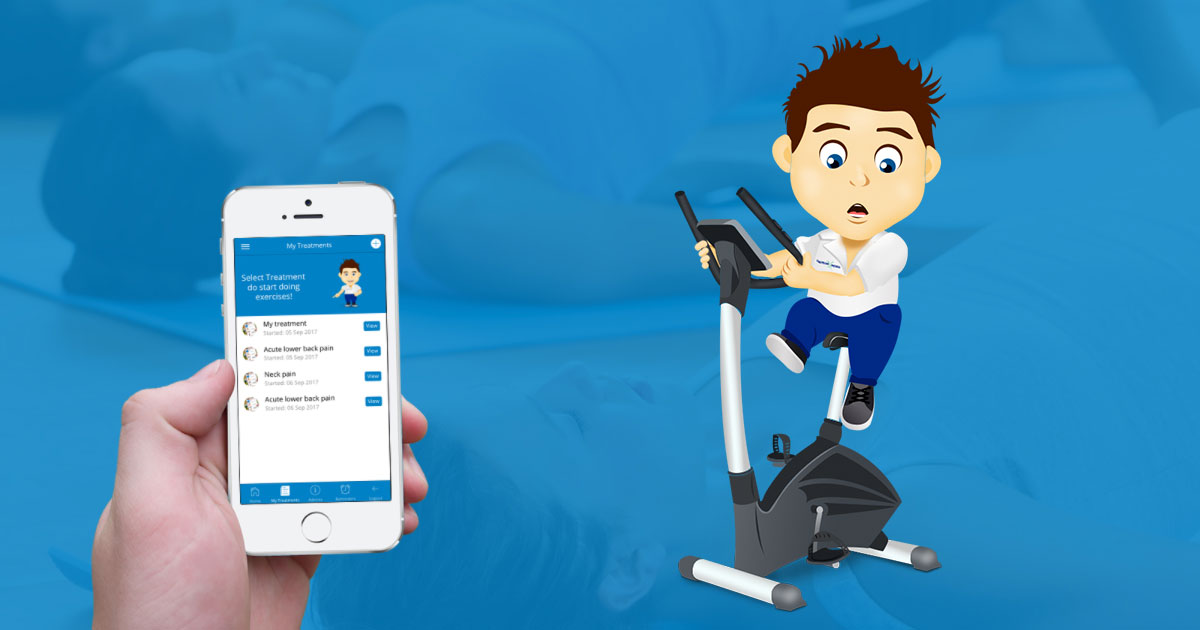
REHABMe virtual physiotherapy

If you suffer from a joint or muscle injury, you can complete exercises to speed up your recovery and do your own self-rehabilitation.

We have provided 3-4 exercises that you can do each day, 6 days per week. You do the exercises either once or twice per day, depending on how quickly you want to recover. If you get any pain while doing any exercise, stop and seek advice from your physiotherapist or GP.

This app is designed for people aged between 16-65. Over 65s should seek medical advice before performing any of the exercises provided.

Find out more

eConsult

We are pleased to announce that our practice now offers the eConsult service to our patients! eConsult offers a whole range of information for common conditions, ailments and injuries; in addition to the facility to submit a consultation to a GP, or a query to the administration team.

Patient Access

Book GP and pharmacy appointments, order online prescriptions and view your medical record at your convenience. Patient Access, in partnership with NHS.

How do I set up a Patient Access account?

To get online access, you will need to contact us so that we can generate your PIN which you can then collect from our reception.

When you come to collect your PIN, we ask that you bring along some photo ID (a passport, photo driving licence etc). This is so that we can verify your identity and protect your confidentiality.

Once you have your PIN you can register with emis access straight away. If you have already registered for this service click any of the EMIS services we offer above.

Once you are logged in you will be taken to an external website called Patient access online where you will be required to register yourself. After registration is completed you will need to login with your user name and chosen password.